MAKE YOUR OWN WEBTOON WITH AI
Have a webtoon plot you'd binge yourself? Write the episode and Mankai draws it in full-colour Korean webtoon style — your characters, your dialogue, and the same faces from episode one to the finale.
- Full-colour webtoon look, no drawing needed
- Episodes that continue with the same cast
- Romance, fantasy, regression or slice of life
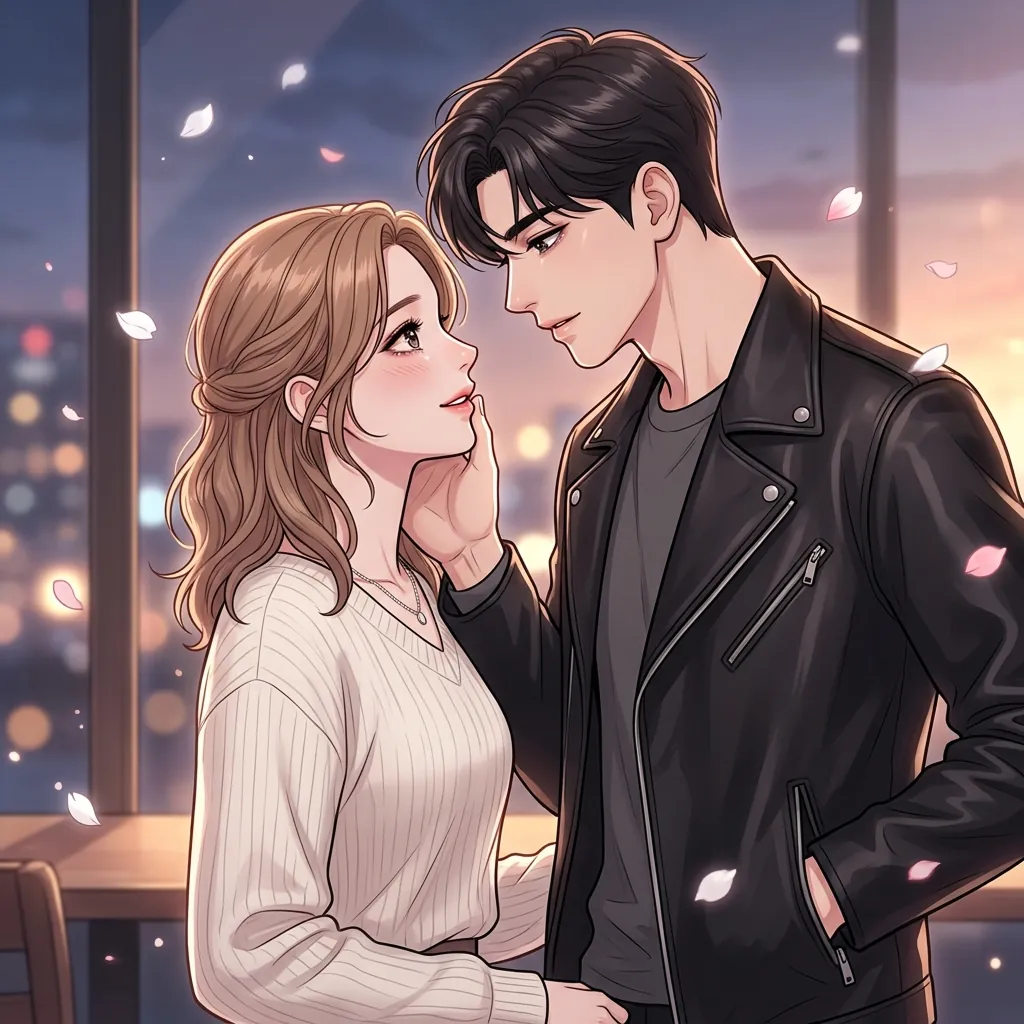
WEBTOONS LIVE ON EPISODES — SO DOES MANKAI
A webtoon is a comic made to be read on a phone, released episode by episode. Readers come back each week for the same characters: the cold CEO, the reincarnated villainess, the hunter who levelled up overnight. What keeps them reading is a cast that looks and feels the same every chapter, and a cliffhanger at the end of each one.
That is exactly how Mankai works. You write an episode in plain words, choose up to 8 characters, and Mankai draws the pages in its full-colour Manhwa style — the polished, softly lit look most webtoons use. When the episode ends, start the next one with the same cast and keep the series going.
Mankai creates pages rather than a single vertical strip. Each episode is 2 to 18 pages that you can download as a PDF or as images, read on your phone or post wherever you share your comics.
WHY MAKE YOUR WEBTOON WITH MANKAI
A cast that never changes face
Your leads keep the same face, hair and outfit from episode to episode — the thing random image generators can't do.
Episodes, not one-offs
Finish an episode and continue the story in a new one with the same characters.
The webtoon look built in
Full colour, soft light and large, emotional panels — the polish readers expect from webtoons.
Star in your own webtoon
Upload a photo and become the lead, or cast your friends as the rival and the love interest.
Dialogue in 10 languages
Letter speech bubbles in English, Korean, Japanese, Chinese, Spanish and more.
On your phone or the web
Create in the Mankai app on iOS and Android or at mankaiapp.com, then share pages or a PDF.
IS A WEBTOON THE SAME AS A MANHWA?
Manhwa is the Korean comic tradition; webtoon is the online, episode-by-episode format most manhwa are now published in. A webtoon can come from anywhere, but the look most readers picture — clean digital lines, full colour, soft lighting and big emotional close-ups — is the manhwa look.
In Mankai you get that look by choosing the Manhwa style. Use it for webtoon episodes, or see the AI manhwa generator page for more on the style itself.
HOW TO PLAN A WEBTOON SERIES WITH AI
Start with a hook you can explain in one sentence, then write episode one as a single scene that ends on a question: who sent the letter, why does she remember the future, what is behind the door. Keep each episode to one turning point — 6 to 10 pages is plenty.
Because Mankai keeps your characters consistent between episodes, you can plan the story an arc at a time: write the next episode when you're ready, with the same cast, and build the series the way webtoon creators do.
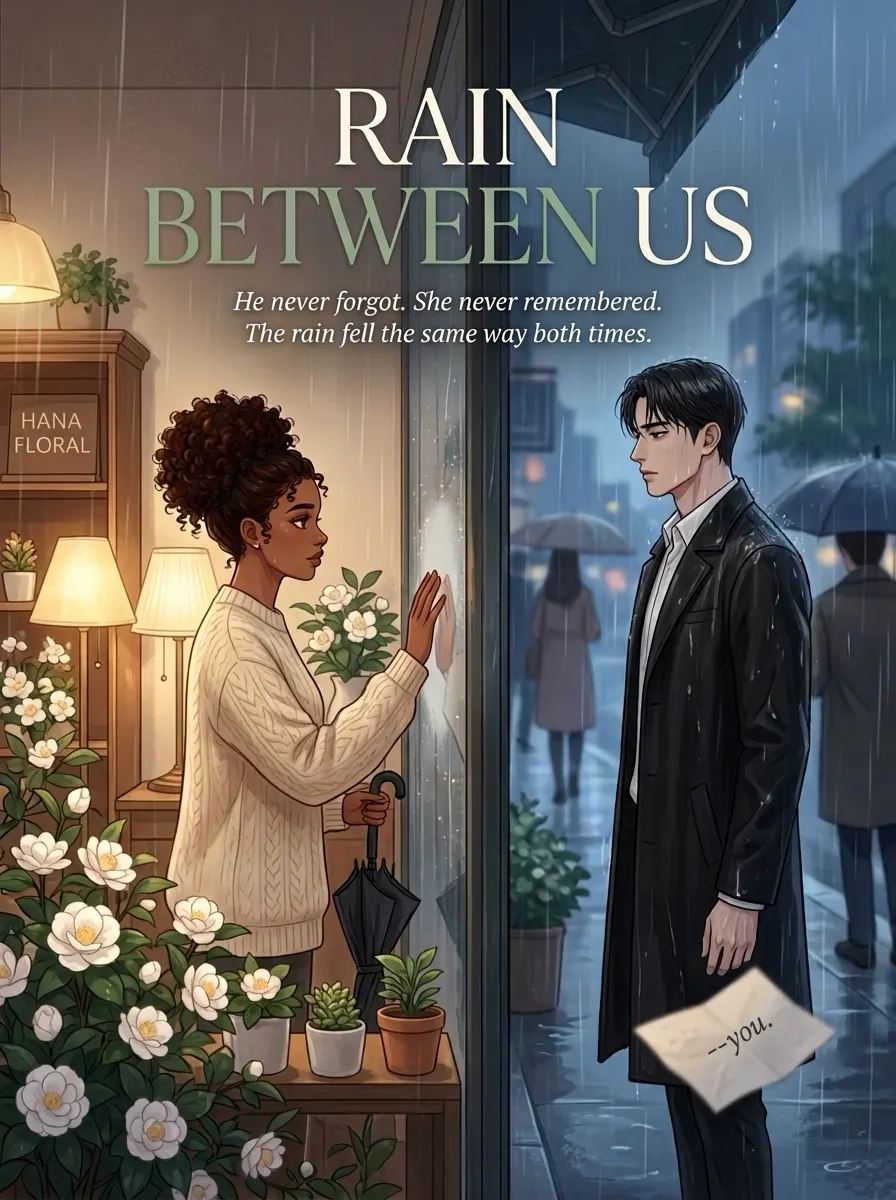
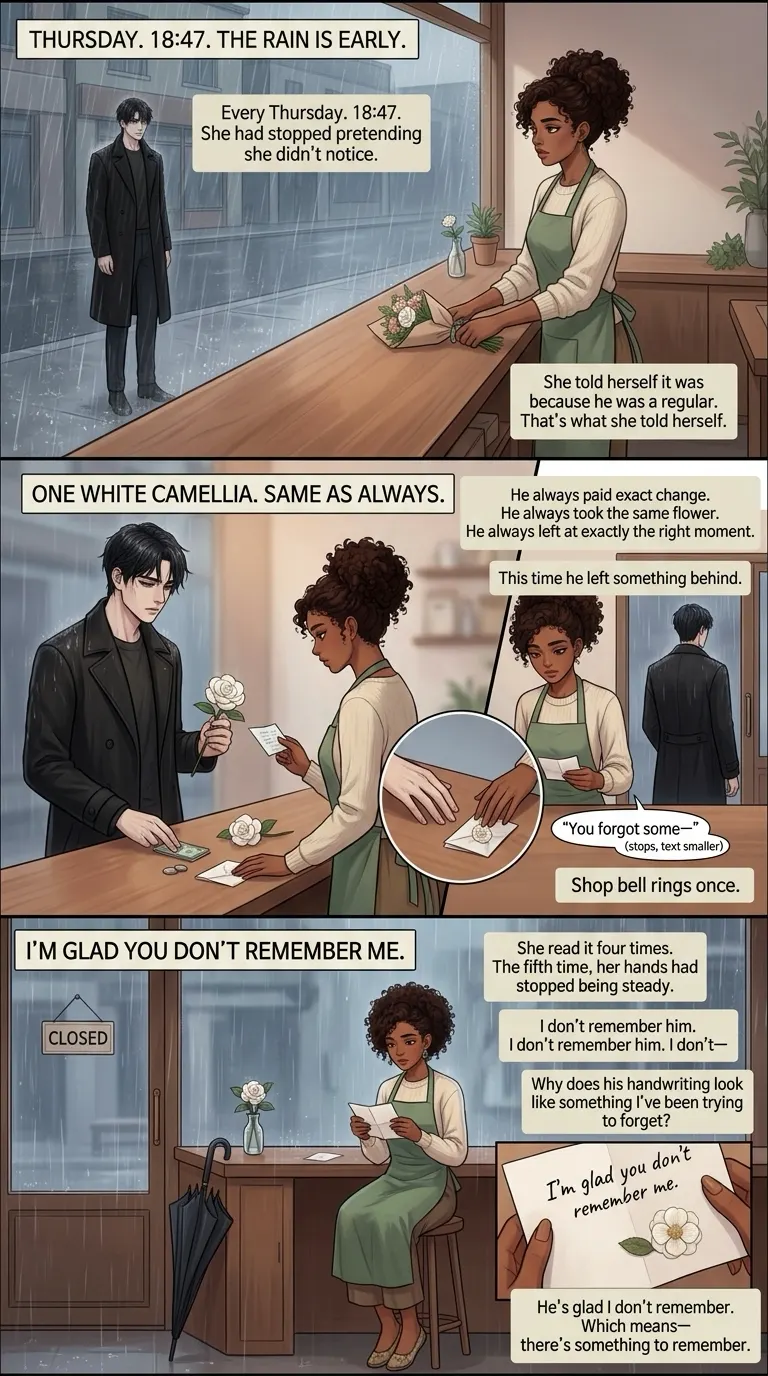
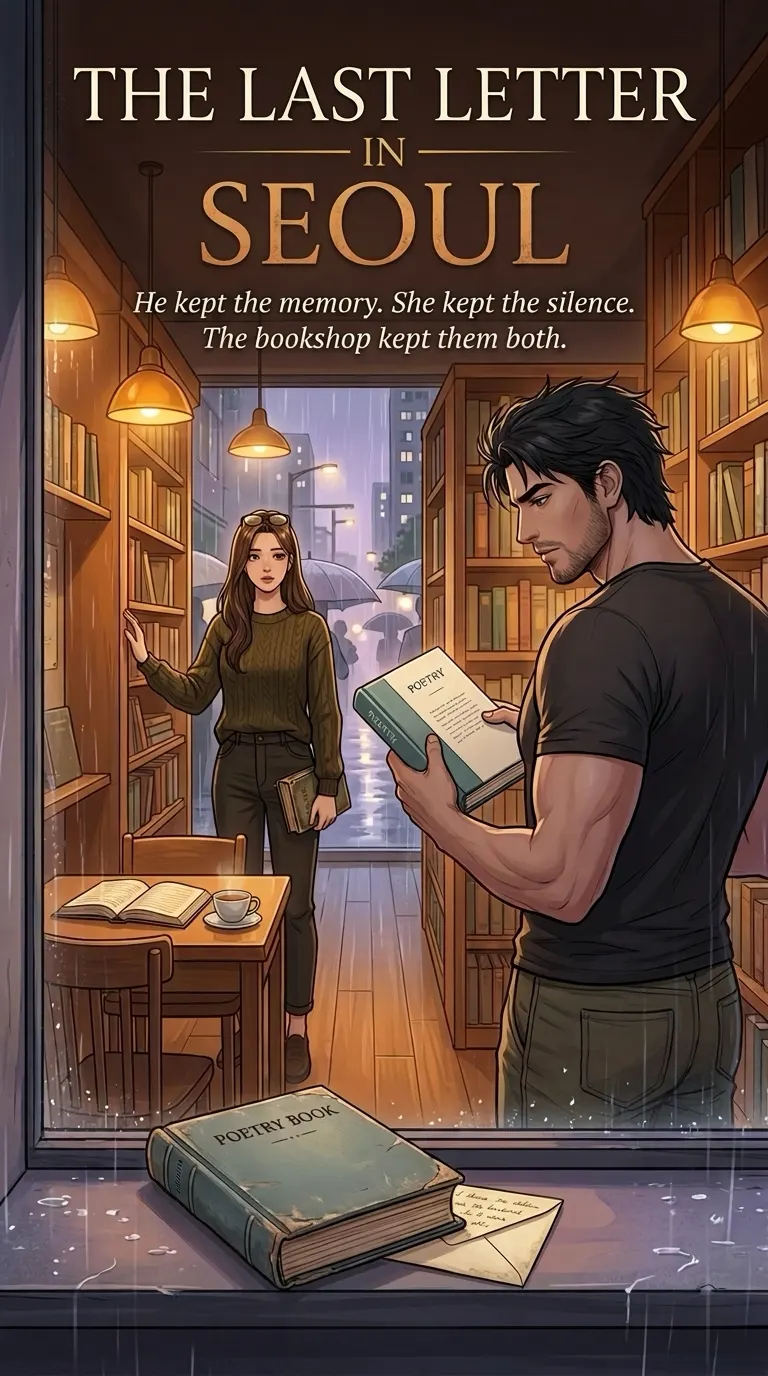
MANHWA PAGES MADE WITH MANKAI
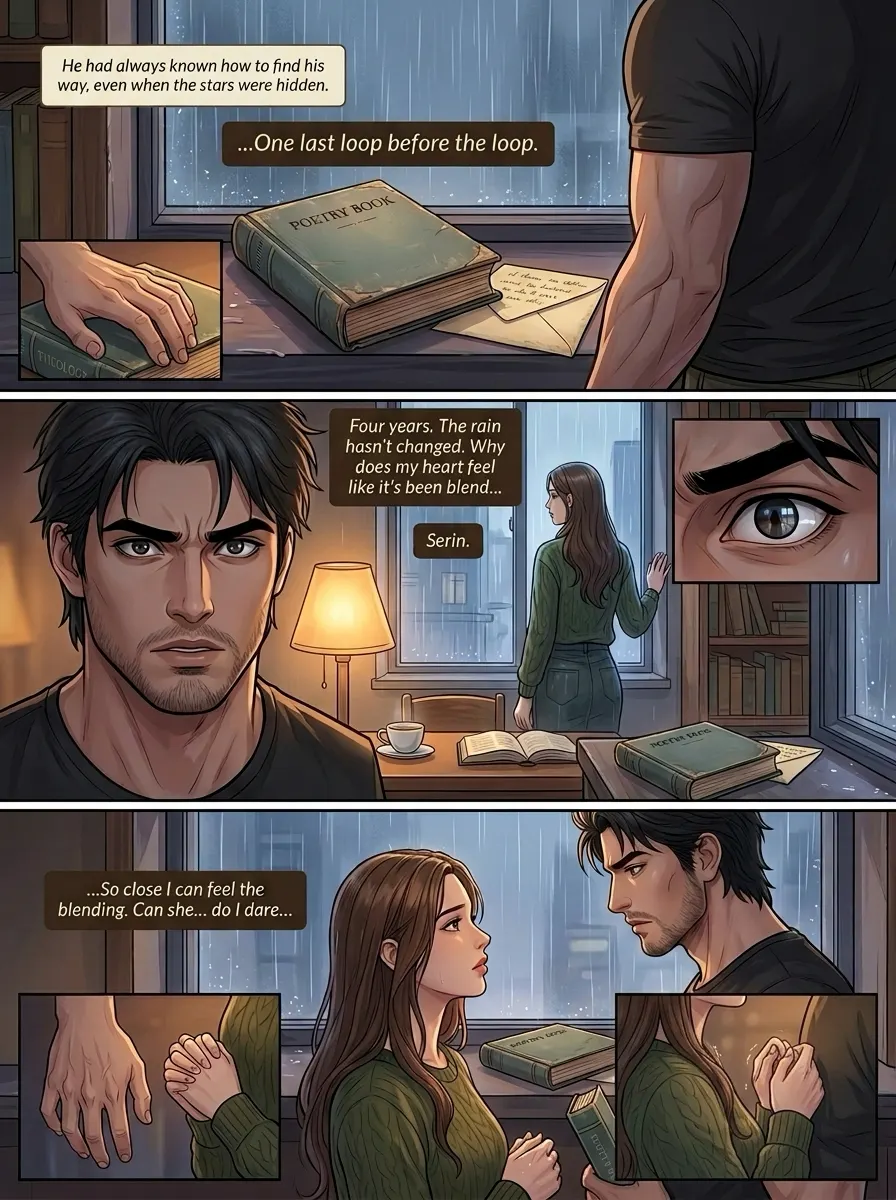
FROM IDEA TO MANGA IN THREE STEPS
- 01
Pick the Manhwa style
Mankai switches to full-colour webtoon art with three large panels per page for close, emotional storytelling.
- 02
Choose your cast
Pick up to 8 characters — Mankai's preset heroes or your own, created from a photo. Their faces stay the same on every page, so your story reads like a real series.
- 03
Write the episode
Describe what happens this episode — or tap Inspire Me. Mankai draws the pages and letters the dialogue. Next week, continue with a new episode.
WEBTOON HOOKS TO START A SERIES
“A new intern realises her boss is the boy she rejected in high school — and he remembers every word.”
“The villainess is given one rule when she wakes up in the novel: if the hero falls in love with her, she dies.”
“Every night at 3 a.m., a quiet convenience store clerk serves customers who aren't human.”
“The S-rank hunter who saved the world returns home to find nobody remembers him.”
START WITH A CHARACTER — OR BRING YOUR OWN
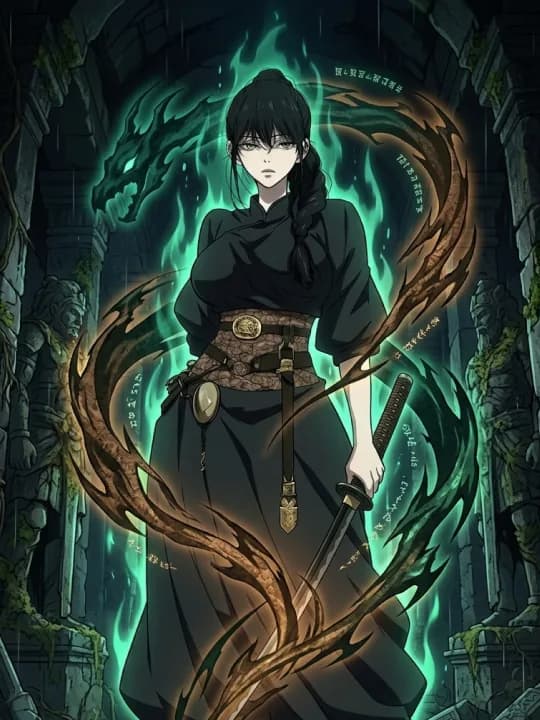
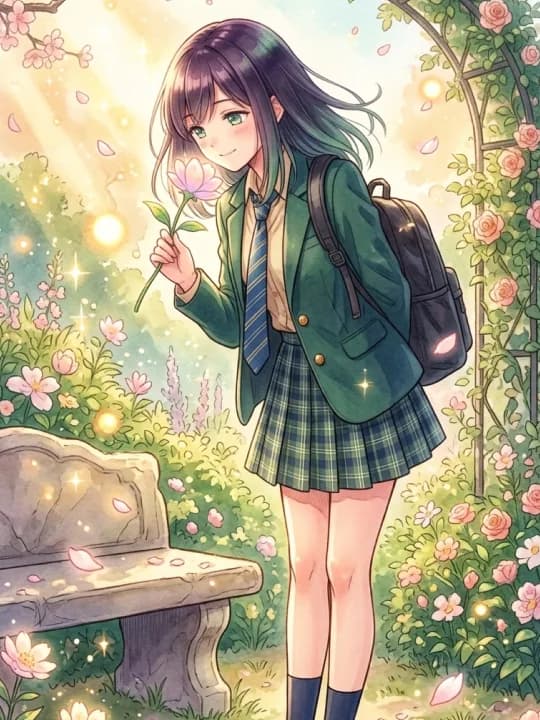
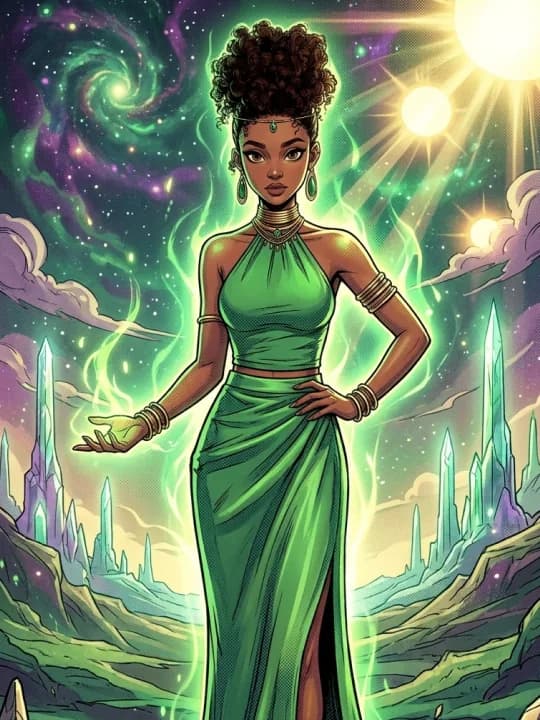
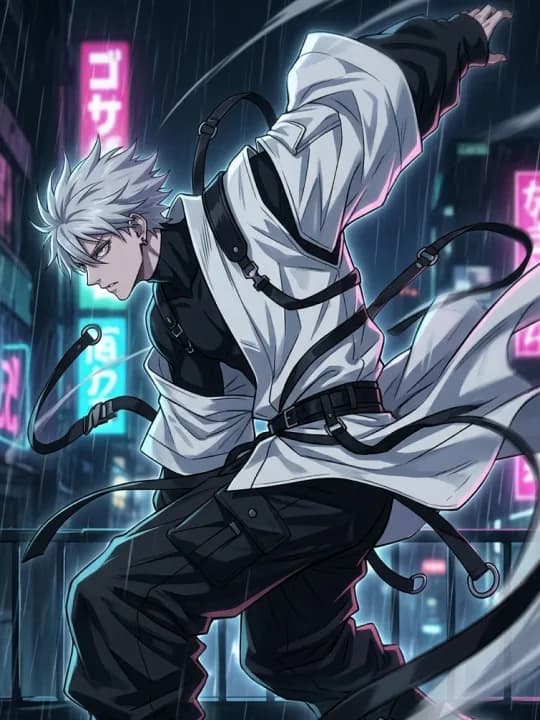
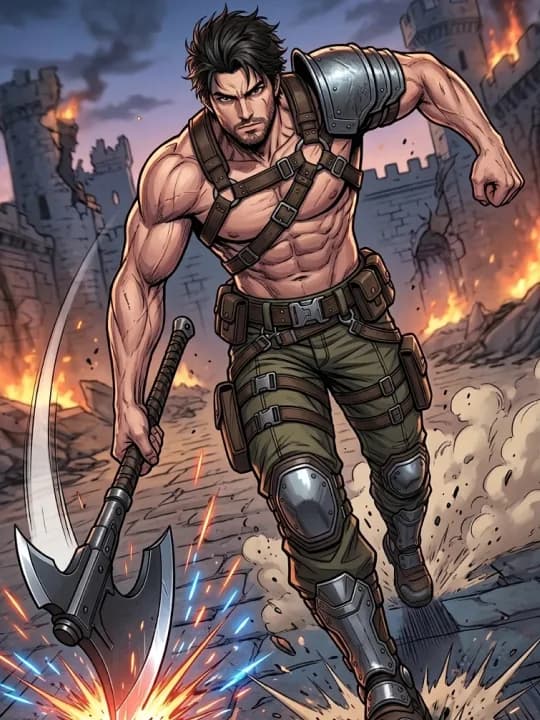
Pick one of Mankai’s preset heroes, or upload a photo and turn yourself, a friend or your original character into the lead. The same face stays consistent on every page.
QUESTIONS, ANSWERED
What is an AI webtoon generator?+
It's a tool that turns a written episode into illustrated, full-colour comic pages in webtoon style. In Mankai you write what happens, pick your characters and the Manhwa style, and the AI draws and letters the pages.
Does Mankai make a vertical-scroll strip?+
No. Mankai creates pages — 2 to 18 per episode — that you download as a PDF or as images. You can read them on your phone or post them as images.
Can I keep the same characters across episodes?+
Yes. Choose up to 8 characters and they keep the same look on every page, and you can continue the story in new episodes with the same cast.
Can I make a webtoon from my photo?+
Yes. Upload a photo to create a custom character, and Mankai draws them in full-colour webtoon style on every page.
Is there a free AI webtoon generator?+
You can try Mankai with a free 2-page demo, no sign-up needed. Creating your own episodes uses credits on Mankai Pro — each page costs 15 credits.
Who owns the webtoon I make?+
You do. Stories you create with Mankai belong to you and you can share or publish them under our usage guidelines.
What languages can the dialogue be in?+
English, Korean, Japanese, Chinese, Turkish, Spanish, French, German, Portuguese or Arabic.
KEEP EXPLORING
Full-colour Korean webcomic art with soft light and clean lines.
Slow burns, love triangles and confessions, drawn as manga.
Upload a selfie and star in your own manga — same face on every page.
Ready-to-use plots you can turn into a manga with one tap.
Mankai, LlamaGen, Anifusion, ComicInk and Mangaka compared.
Compare all nine Mankai styles side by side and find the look your story needs.
EPISODE ONE STARTS WITH ONE SENTENCE
Write the hook, pick your cast and let Mankai draw the first episode — on the web or in the app.